Give employees one place for assigned policies and allowed AI.
The employee portal shows published boards assigned to each person, with your branding, policy content, training, acknowledgments, and the Allowed AI list from Inventory.
Only published boards assigned to them or their group
Policy pages with overview, content, training, and signing
The Allowed AI list from your company inventory
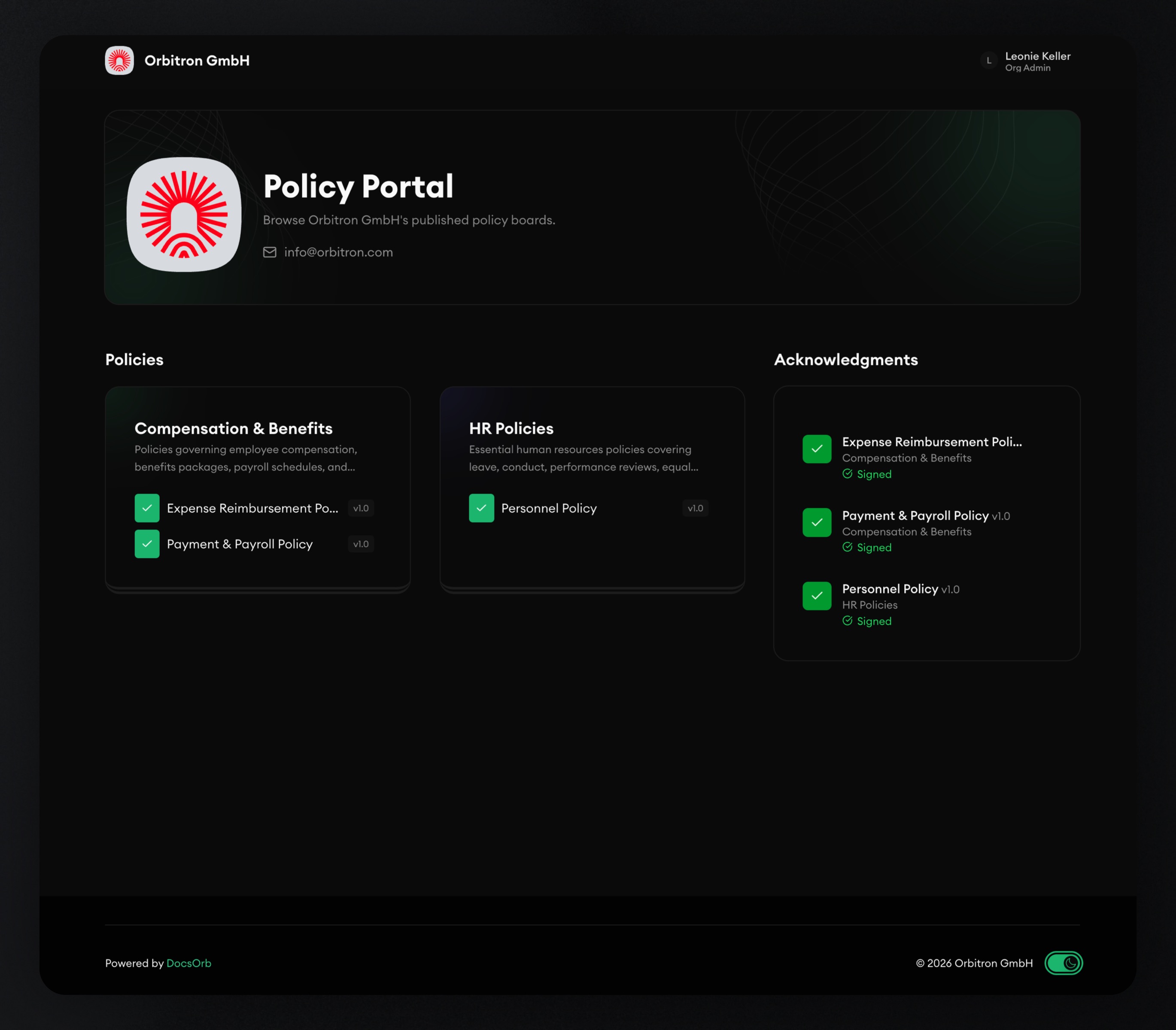
Make the portal feel like your company, not a document dump.
Brand the experience
Customise welcome text, colours, and identity so policy access feels familiar and part of the employee experience.
Assign by person or group
Employees see boards assigned to them directly or via a group. Draft boards stay invisible even if people are already on the audience list.
Show what AI is allowed
The Allowed AI page is driven by Inventory, so people can check approved tools without asking legal or IT every time.
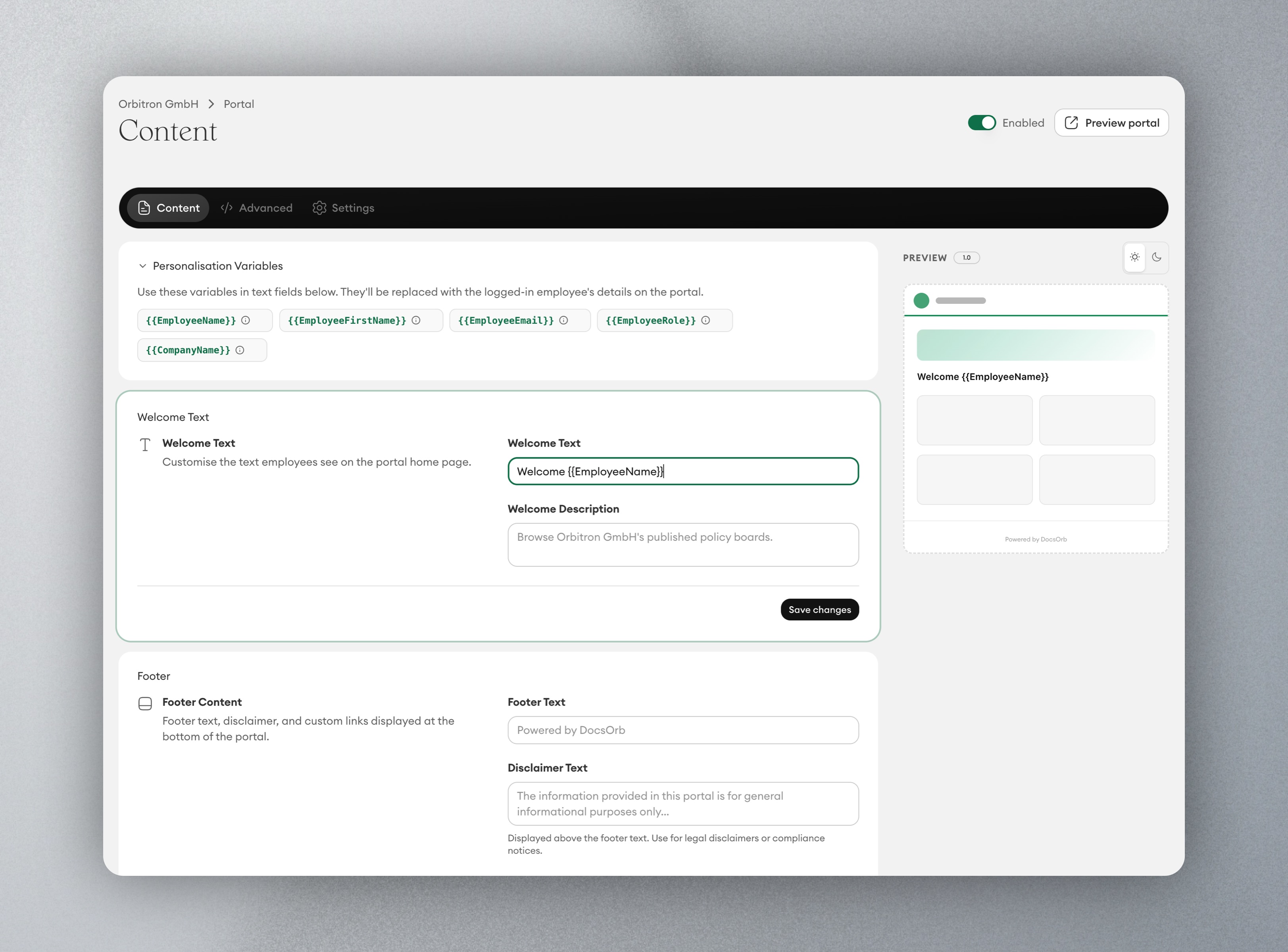
Publish a portal people can actually use.
A home for current boards
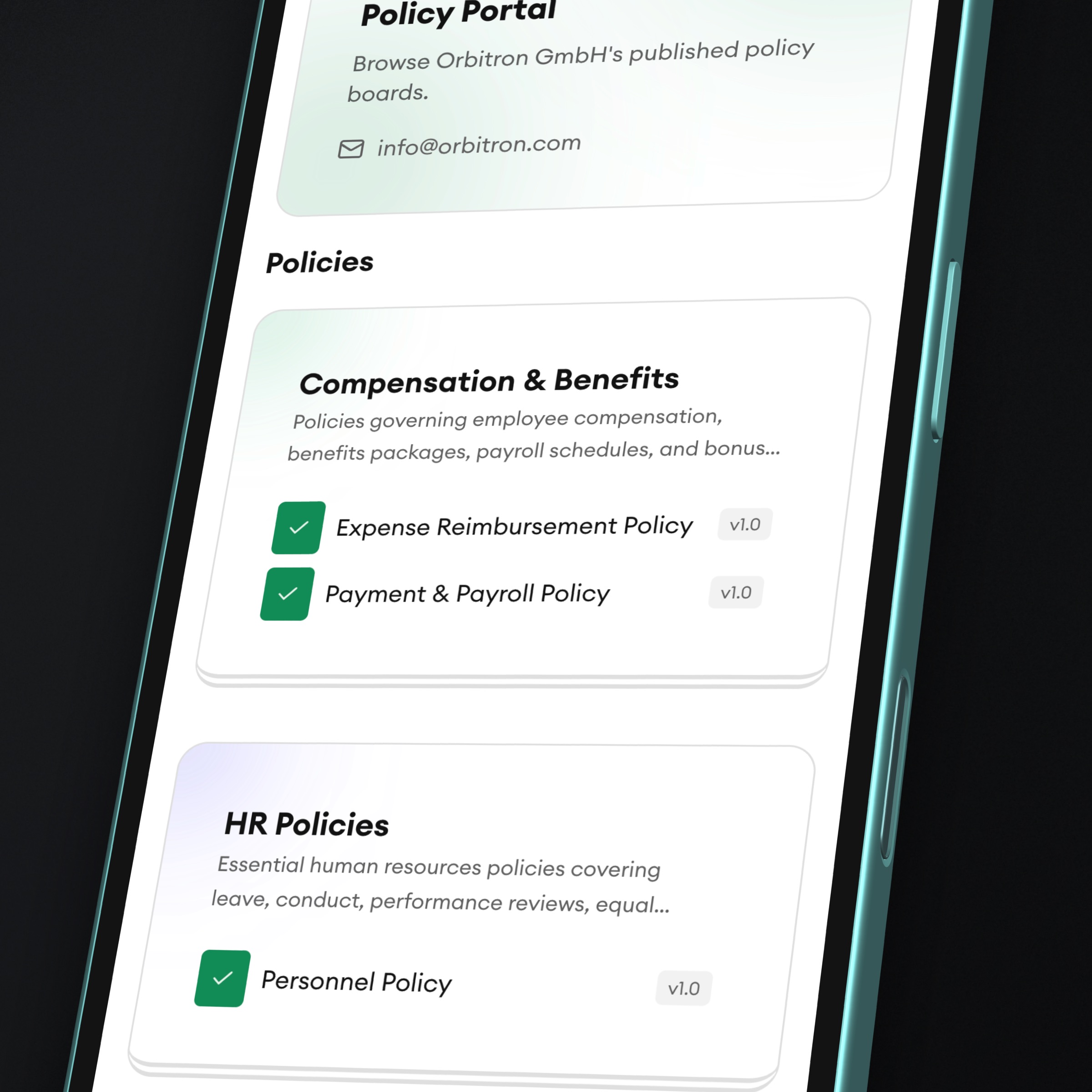
Employees open assigned boards, read the current policy version, complete training, and sign acknowledgments in one place.
Role and group relevance
Assignment, not a generic dump, decides what appears. New hires and specialists see the boards that apply to them.
Allowed AI next to the policy
The same portal that holds the usage policy also shows which tools are approved, so the rule and the list stay together.
Get started in three practical steps.
01
Bring the workflow in
Start with your current policies, templates, owners, or approval process.
02
Configure the rollout
Define who needs to review, learn, acknowledge, or act on each update.
03
Track proof over time
Keep versions, training, acknowledgments, and evidence connected in one place.
EU Data Sovereignty, built in.
EU-hosting
All databases and servers stay in Germany only. AI processing uses an EU-frontier LLM.
GDPR compliant
Support clear records for policies, training, and acknowledgments.
Made in Germany
Built in Europe for teams that care about control and trust.
FAQs
Common questions about this workflow.
Can DocsOrb work with our existing policies?
Yes. DocsOrb is designed to help teams organize existing documents, improve ownership, and connect rollout activity around them.
Do we need a compliance team to use it?
No. It is useful for founders, HR, legal, operations, and security teams that need structured policy workflows without heavyweight tooling.
How does this connect to training and acknowledgments?
Policy content can feed into employee learning, comprehension checks, acknowledgment tracking, and evidence records.
We value your privacy
We use cookies to keep DocsOrb secure, understand how the site is used, and improve your experience. You can accept all, reject optional cookies, or manage your preferences. Read our Privacy Policy